PowerSchool transcript accuracy audit work becomes urgent in October, when counselors are sending records to colleges, scholarship committees are asking for updated GPAs, and families begin studying every line on a senior’s transcript. A course title that looked harmless during scheduling can suddenly matter. So can a missing half-credit, an incorrect store code, or a repeated course that was never suppressed.
The uncomfortable truth is that a transcript can look polished and still be wrong.
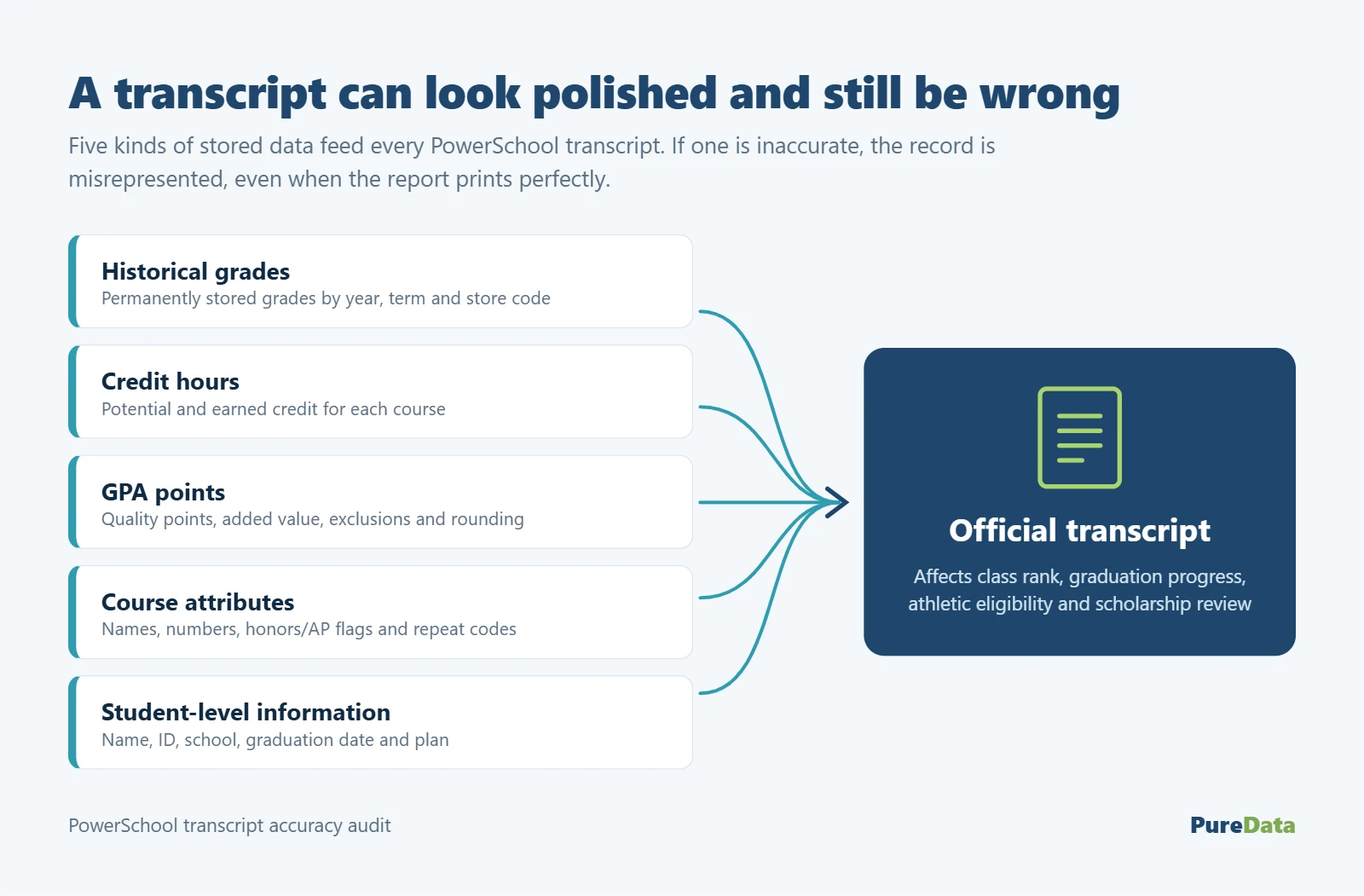
Historical grades, credit hours, GPA points, course attributes, and student-level information all contribute to the final document. If one component is inaccurate, the transcript may misrepresent a student’s academic record even when the report itself prints perfectly.
A structured review gives district leaders a way to find problems before students are waiting at the counseling office door. It also protects counselors and registrars from having to rebuild academic histories one emergency at a time.
Why a PowerSchool transcript accuracy audit matters now
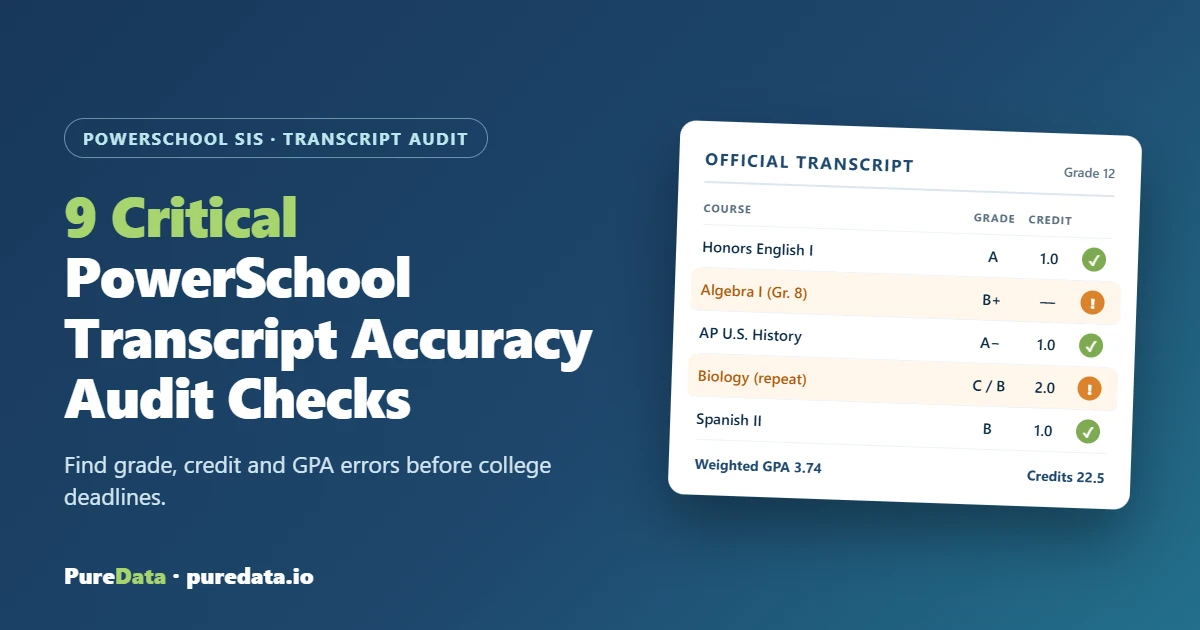
Picture a senior applying for an early-decision deadline. Her family notices that Algebra I, completed in eighth grade for high-school credit, is missing. Another student’s transcript shows two attempts at the same course, but both grades are affecting GPA. A transfer student has the correct course names, yet no earned credit because the imported records used the wrong values.
Those are not formatting issues. They can affect class rank, graduation progress, athletic eligibility, scholarship review, and how an outside institution interprets the student’s record.
1. Compare transcript output with historical grades
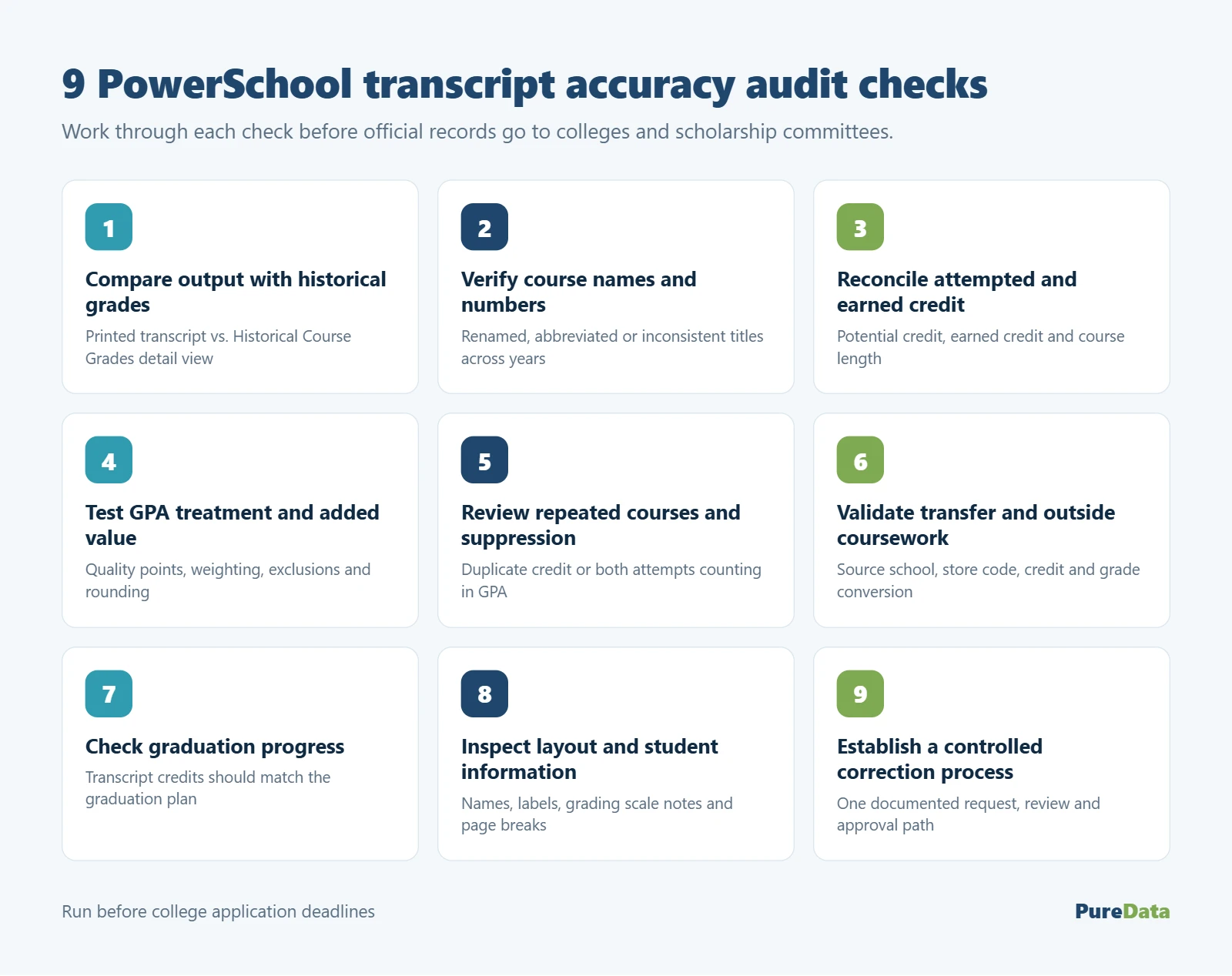
Select a representative group of students and compare the printed transcript with PowerSchool’s Historical Course Grades detail view. Include seniors, transfer students, students who changed schools, students with summer coursework, and students who completed high-school courses in middle school.
PowerSchool explains that historical grades are the permanently stored grades used on report cards and transcripts. The detail view can show year and term, grade level, course number, course name, store code, grade, and credit information.
2. Verify course names and numbers
Course catalogs evolve. A course originally called English 9 Honors may later be renamed Honors English I. If historical records use inconsistent names or numbers, the transcript can look like the student completed two different courses—or make required coursework harder to recognize.
Review naming patterns across school years. Identify courses whose titles are abbreviated, outdated, overly technical, or inconsistent with the current transcript policy. Pay special attention to dual-credit, Advanced Placement, honors, online, and locally created courses.
3. Reconcile attempted and earned credit
A passing grade does not always mean the correct credit was stored. Check potential credit, earned credit, course length, and the district’s credit policy.
A semester course might correctly award 0.5 credit in one school and 1.0 in another district. A year-long course may store partial credit by semester. A failed course should not receive earned credit, while an incomplete may require a local decision.
4. Test GPA treatment and added value
Choose students whose records make the rules visible: an honors student, a student with a failed course, a transfer student, a student with a pass/fail course, and one with a course excluded from GPA.
Recalculate a small sample outside PowerSchool using the district’s approved GPA method. Compare quality points, credit weighting, added value, exclusions, and rounding. The phrase “weighted GPA” is not specific enough; districts need an exact rule.
If a grade appears on the transcript but should not affect GPA, verify the exclusion flag and the calculation method. If honors or Advanced Placement courses receive added value, confirm that the correct course or grade attributes trigger it.
5. Review repeated courses and grade suppression
Repeated coursework is one of the fastest ways to create a transcript dispute. Determine whether both attempts should appear, which attempt should count in GPA, and how earned credit should be handled.
Test several real records. Look for duplicate credit, both attempts contributing to GPA, a suppressed course disappearing entirely, or a repeat code that was applied to the wrong course.
6. Validate transfer and outside coursework
Transfer grades require more than typing course titles and grades. Confirm the source school, school year, grade level, store code, credit, GPA treatment, and whether the course fulfills a local graduation requirement.
Imported records may use grading scales that do not match the receiving district. A numerical grade from another school should not automatically be translated without an approved conversion rule.
7. Check graduation progress against the transcript
The transcript and graduation plan should tell the same story. If the transcript shows four English credits but graduation progress shows three, investigate the course mapping rather than manually marking the requirement complete.
Compare required subject areas, completed credit, in-progress courses, waivers, substitutions, and remaining requirements. Review students with nontraditional schedules or program changes, since their valid courses may not fit the default mapping.
8. Inspect transcript layout and student information
Once the underlying data is accurate, examine the document itself. Confirm student name, student ID display policy, school name, accreditation or district language, graduation date, grading scale notes, GPA and rank labels, signatures, and page breaks.
Print or preview transcripts for students with short, average, and long academic histories. A layout that works for a two-page senior may clip a course or footer on a three-page transfer record.
PowerSchool’s guidance for transcript objects notes that transcript reports draw from historical grades and can be configured to control ordering and course inclusion. Review those options before trying to repair output with manual edits.
9. Establish a controlled correction process
Transcript corrections should not arrive through scattered emails, text messages, and hallway conversations. Use one request process that captures the student, course, year, current value, requested change, reason, documentation, requester, and approver.
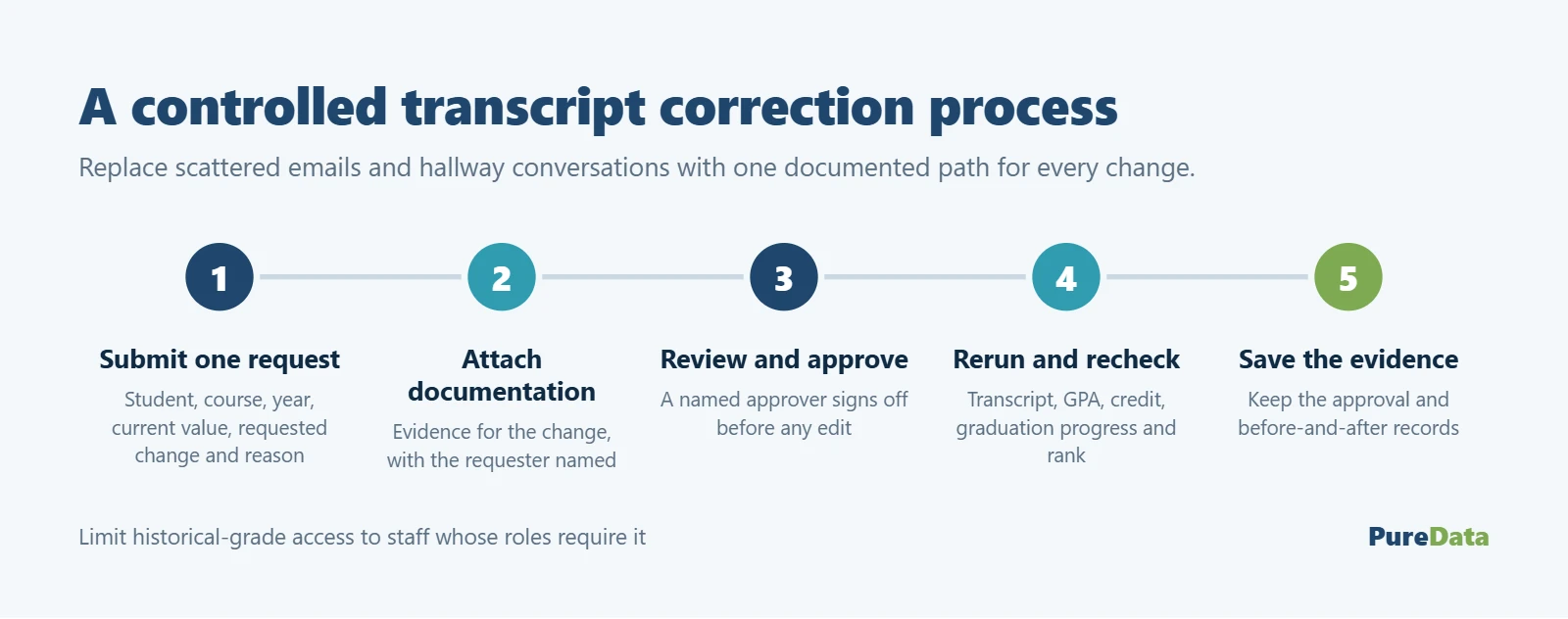
After every change, rerun the transcript and confirm the related GPA, credit, graduation progress, and rank results. Save the approval and the before-and-after evidence. Historical-grade access should remain limited to staff whose roles require it.
PowerSchool transcript accuracy audit checklist
Use this checklist before sending official records:
- Compare printed transcripts with Historical Course Grades detail view.
- Confirm school year, term, store code, grade level, course number, and title.
- Review attempted credit, earned credit, and zero-credit exceptions.
- Test GPA points, exclusions, added value, and rounding.
- Check repeated courses for duplicate credit and correct GPA treatment.
- Verify transfer, summer, online, dual-enrollment, and middle-school coursework.
- Reconcile transcript credits with graduation progress.
- Review course substitutions, waivers, and local requirement mappings.
- Test transcript layout with short and long academic histories.
- Confirm student and school information, labels, signatures, and page breaks.
- Route corrections through documented review and approval.
- Recheck GPA, credit, rank, and graduation progress after changes.
- Export a backup of historical grades before large corrections.
Where PowerSchool Managed Services helps
Transcript review is detailed work, and the busiest staff members often hold the context needed to complete it. Counselors know the academic policy. Registrars know where transfer records came from. SIS administrators know how stored grades and report objects behave.
PowerSchool Managed Services can organize that knowledge into a repeatable audit: building exception reports, comparing stored data with transcript output, testing GPA rules, documenting corrections, and helping schools verify results. The district keeps control of academic decisions while managed support supplies the technical structure and follow-through.
PowerSchool’s official Export Historical Grades guidance recommends saving term-based historical-grade files as backups or maintaining records outside PowerSchool. That is especially useful before a district performs a large cleanup.
A successful PowerSchool transcript accuracy audit is not measured by how quickly the team prints transcripts. It is measured by whether students, families, counselors, and receiving institutions can trust what those transcripts say.