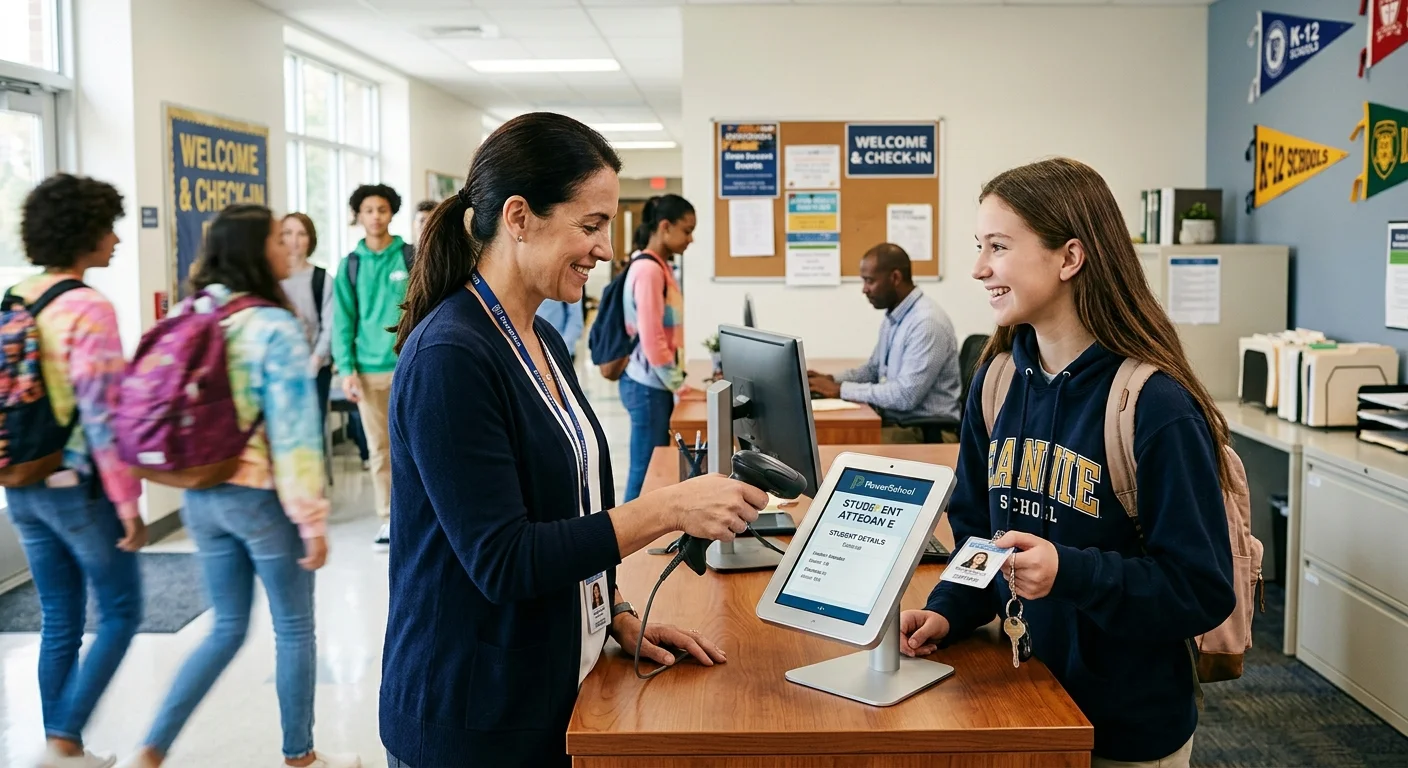
PowerSchool Back-to-School Readiness starts with confirming that the SIS is prepared across enrollment, calendars, attendance, staffing, security, integrations, grading, and reporting. A successful first day depends on more than schedules being visible and student accounts being active. When any one of these areas is incomplete, schools can quickly face inaccurate rosters, missing students, attendance errors, access problems, or delays for teachers and families.
This PowerSchool back-to-school readiness checklist highlights ten areas schools and districts should review before classes begin—and explains how PureData’s PowerSchool Managed Services can provide additional capacity when internal teams are already stretched.
Why PowerSchool Readiness Matters Before the First Day
PowerSchool connects many of the systems and processes schools rely on each day. Enrollment feeds class rosters. Calendars and bell schedules affect attendance. Staff assignments control teacher access. Integrations deliver data to learning, communication, assessment, and reporting platforms. A configuration problem in one area can create issues elsewhere.
The best time to identify these problems is before teachers begin taking attendance and students begin moving through their schedules. A structured PowerSchool Back-to-School Readiness review gives administrators time to correct gaps, confirm ownership, and test critical workflows. Schools can also consult the PowerSchool Help Center for official product documentation and platform-specific guidance.
PowerSchool Back-to-School Readiness Checklist: 10 Tasks to Complete
1. Confirm School Years, Terms, and Reporting Dates
Review the active school year, term dates, reporting terms, and grading periods for every school. Confirm that dates match the approved academic calendar and that overlapping or missing dates will not interfere with scheduling, attendance, grade entry, or reports. Schools should also verify which terms teachers will use in PowerTeacher Pro and when each reporting period should open or close.
2. Review Calendars, Bell Schedules, and In-Session Days
Confirm that each school calendar correctly identifies in-session days, holidays, professional-development days, shortened days, and special schedules. Review bell schedules, periods, cycle days, and attendance bridge settings where applicable. Even a single incorrect in-session day or bell schedule assignment can affect attendance calculations, membership, state reporting, and teacher workflows.
3. Validate Student Enrollments and School Assignments
Check that returning students were promoted correctly and that newly enrolled students have the appropriate school, grade level, entry date, entry code, and enrollment status. Review withdrawals, transfers, duplicate records, and students who remain pre-registered unexpectedly. Accurate enrollment data is the foundation for rosters, scheduling, transportation, communication, and compliance reporting.
4. Audit Courses, Sections, Teachers, and Rooms
Verify that courses are available at the correct schools and that sections use the proper term, expression, teacher, room, grade scale, and attendance settings. Look for sections without teachers, duplicate sections, invalid expressions, unexpected maximum enrollment values, and courses that should not be active in the new year.
5. Check Student Schedules for Gaps and Conflicts
Run scheduling reports to identify students with incomplete schedules, duplicate periods, missing required courses, overfilled sections, or conflicts. Review special populations and students with nonstandard schedules separately. Waiting until the first day to identify these problems increases counselor workload and can create attendance and instructional disruptions.
6. Verify Staff Accounts, Access, and Security Groups
Confirm that active employees have the correct PowerSchool access and that former employees no longer have access. Review school assignments, security groups, roles, page permissions, PowerTeacher access, and administrative access. Teachers should be able to see only the schools, students, sections, and functions required for their jobs.
7. Test Teacher Attendance and Gradebook Access
Use test accounts or coordinate with a small group of staff to confirm that teachers can sign in, see their current classes, open PowerTeacher Pro, and submit attendance. Check for off-track messages, missing sections, incorrect meeting patterns, or classes attached to the wrong term. Testing before opening day prevents a large volume of urgent support requests.
8. Confirm Attendance Codes and Conversion Settings
Review attendance modes, attendance codes, code categories, daily-to-meeting conversions, bridge periods, and full-day or half-day thresholds. Confirm that school-specific rules are applied correctly and that codes appear for the appropriate users. Attendance configuration should be tested against realistic student schedules and bell schedules.
9. Validate Integrations and Data Deliveries
Confirm that connected applications are receiving current-year data. This may include enrollment platforms, learning-management systems, communication tools, assessment systems, rostering platforms, transportation applications, and other vendors. Review data-delivery schedules, credentials, filters, school mappings, term mappings, and error logs. Vendors should not receive stale-year records or incomplete rosters.
10. Prepare Reports, Support Processes, and Escalation Paths
Identify the reports administrators will need during the opening weeks, including enrollment totals, missing schedules, attendance exceptions, class counts, staff access, and integration errors. Confirm how staff should request help, who owns each type of issue, and which problems require vendor escalation. Clear support processes reduce duplicate requests and help urgent issues reach the right person quickly.
PowerSchool Back-to-School Readiness Warning Signs
Schools may need a deeper readiness review when administrators see recurring roster discrepancies, large numbers of unscheduled students, teacher access complaints, incorrect attendance dates, unexplained integration errors, inactive staff with access, or uncertainty about who owns critical PowerSchool tasks. These are often signs that the issue is broader than a single ticket.
How PureData Supports PowerSchool Back-to-School Readiness
PureData’s PowerSchool Managed Services can help schools review configurations, resolve data issues, validate opening-of-school processes, and provide hands-on support during high-volume periods. The service functions as an extension of the school or district team, giving administrators access to experienced PowerSchool professionals without requiring another full-time senior SIS position.
Support can include enrollment validation, calendar and attendance review, course and section audits, student-schedule troubleshooting, staff access, gradebook readiness, integration coordination, reporting, documentation, and ongoing helpdesk support.
Strengthen PowerSchool Back-to-School Readiness with PureData
Back-to-school readiness is not one PowerSchool task—it is a coordinated review of the data, settings, access, schedules, and integrations that keep school operations moving. Completing these checks before the first day helps schools reduce disruption, improve data accuracy, and respond to staff needs with greater confidence.
If your team needs additional PowerSchool expertise before or during the opening of school, learn more about PureData’s PowerSchool Managed Services.